Read our comprehensive review of ShareMe for PC, the free tool for fast wireless file transfers. Discover its features, speed, and why it’s a great alternative to cables.
Introduction: The Need for Fast, Cable-Free Transfers
In our increasingly connected world, moving files between devices is a common task. Whether you want to transfer photos from your phone to your computer, send a large video file to a colleague, or simply back up important documents, the process can often be a hassle. Wired connections can be slow and require cables, while cloud solutions are dependent on internet speed and storage limits. ShareMe for PC offers a different approach: a fast, wireless, and internet-free solution for local file transfers. This review explores its features, performance, and who it’s for.
What is ShareMe for PC?
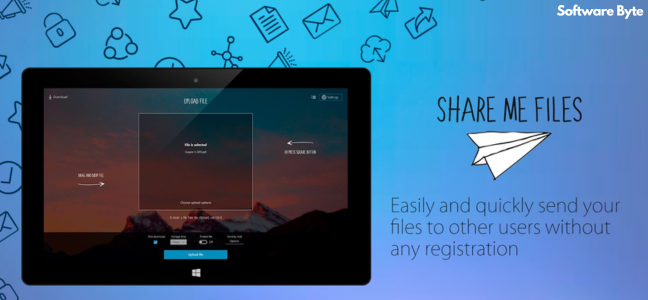
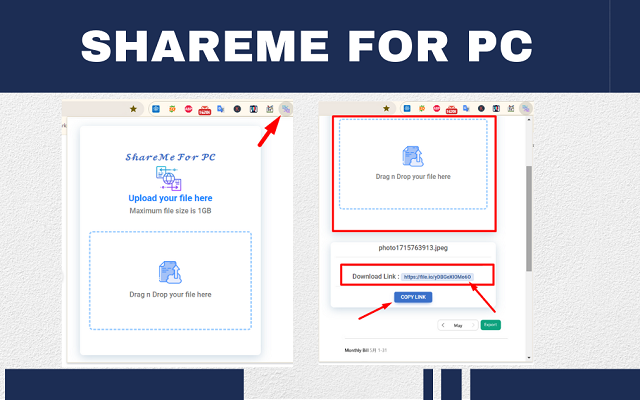
ShareMe for PC is a free Windows application that allows you to transfer files wirelessly between your computer and mobile devices. It’s a desktop companion to the popular ShareMe app (formerly known as Mi Drop) for Android. The software creates a direct Wi-Fi connection between your devices, bypassing the need for the internet or a USB cable.
Its primary use is for fast, local file transfers. It is particularly useful when you need to move large files, like videos or app installers, and you don’t want to deal with the limitations of cloud storage or the slow speeds of Bluetooth.
Key Features of ShareMe for PC
Fast and Reliable Transfer Speeds
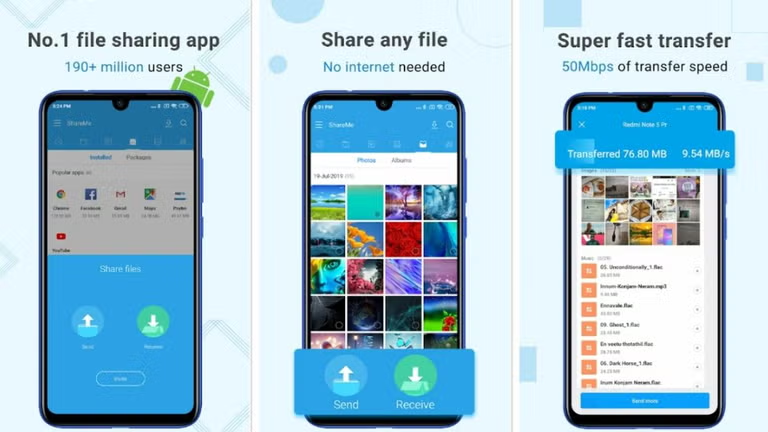
One of ShareMe’s standout features is its transfer speed. The software is designed to be fast, making it much quicker than using Bluetooth or even some older USB connections. It is described as impressively fast and reliable, even with repeated large file transfers.
No Internet Required
A major advantage is that it does not require an internet connection. It creates a local Wi-Fi network between your devices, allowing you to transfer files anywhere, even without a Wi-Fi network or mobile data.
User-Friendly Interface
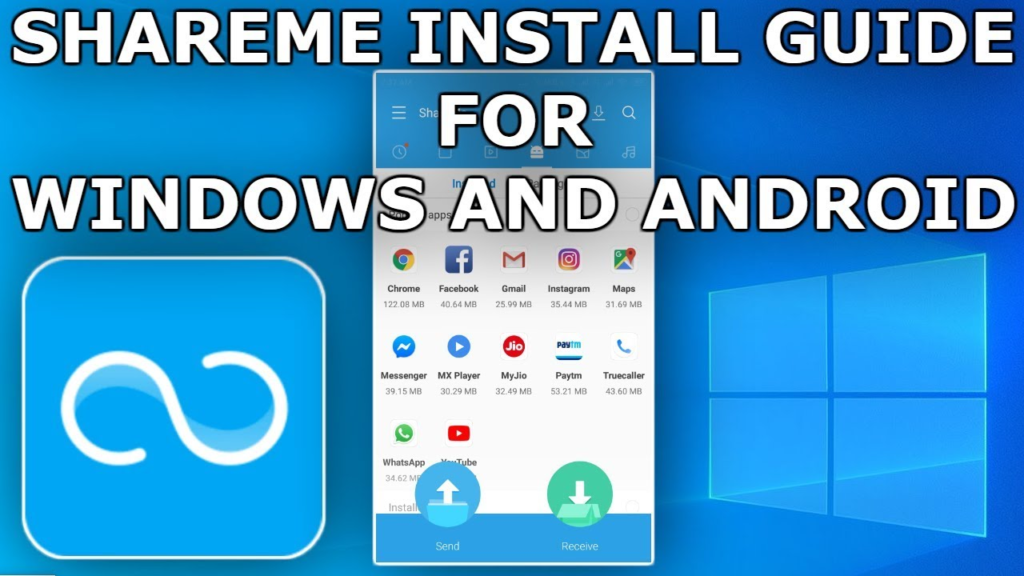
The application is designed with simplicity in mind. The clean, clutter-free interface features clearly labeled buttons, making it accessible for beginners. Connecting devices is simple, often done by scanning a QR code or using a hotspot.
Cross-Platform Compatibility
ShareMe is compatible with Windows PCs and Android devices. It can also work with iOS devices, though support may be more limited.
User Experience and Feedback
What Users Like
- Impressive Speed: Users praise the fast transfer rates.
- Ease of Use: The simple, clean interface makes it easy to use.
- Reliable: It is considered a stable and dependable tool.
Limitations
- No macOS Support: A notable limitation is the lack of a dedicated macOS version.
- Limited Advanced Features: The software lacks features like transfer history, device grouping, or cloud integration.
- Focused on Core Function: It is a focused tool and does not offer extensive customization.
Who Is ShareMe for PC For?
- Android Users: It is an ideal companion for users of the ShareMe app on Android.
- Anyone Who Transfers Files Frequently: A great tool for anyone who regularly moves files between their phone and PC.
- Users with Limited or No Internet: Perfect for transferring files when you don’t have access to Wi-Fi or a data connection.
Frequently Asked Questions (FAQs)
1. Is ShareMe for PC free to use?
Yes, ShareMe for PC is completely free to download and use.
2. Do I need an internet connection to transfer files?
No, ShareMe creates its own local Wi-Fi network for transfers and does not require an internet connection.
3. Is ShareMe for PC available for Mac?
No, ShareMe for PC is designed for Windows and does not have a dedicated macOS version.
4. How fast is ShareMe?
The software is designed for fast transfer speeds, making it much quicker than Bluetooth or older USB methods.
5. Can I transfer files between a PC and an iPhone?
ShareMe is primarily designed for Android and Windows. iOS support may be limited.
Conclusion: A Practical Tool for Local File Sharing
ShareMe for PC is a practical, efficient, and free tool for anyone who needs to move files wirelessly between a Windows PC and an Android device. Its speed, ease of use, and lack of internet requirement make it a standout solution for local file transfers. While it lacks advanced features and macOS support, it excels at its core purpose. For users who value a fast, hassle-free sharing experience, ShareMe is a reliable and highly recommended utility.