Read our comprehensive review of Cisco Packet Tracer, the free network simulation tool for students and professionals. Discover its features for building, configuring, and troubleshooting networks.
Introduction: The Virtual Lab for Networking
Learning and mastering networking concepts can be challenging. Working with physical routers, switches, and other networking hardware can be expensive and impractical, especially for students. Cisco Packet Tracer is a free network simulation tool that solves this problem. It provides a safe, virtual environment to design, configure, and troubleshoot networks without needing real equipment. This review explores what Packet Tracer is, its key features, and who it’s for.
What is Cisco Packet Tracer?
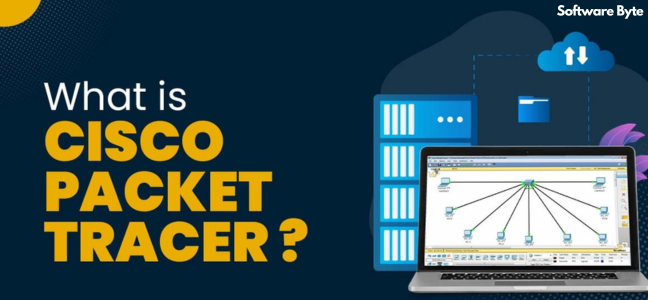
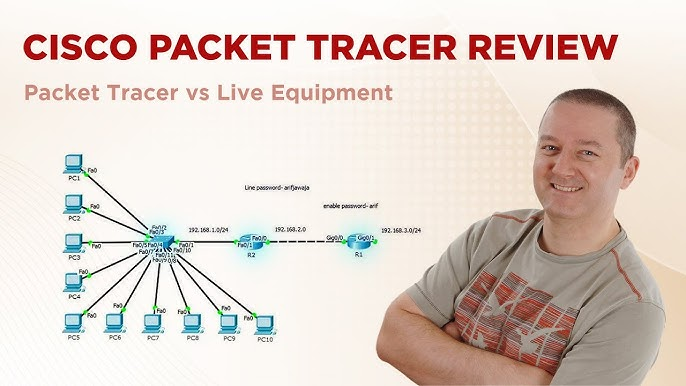
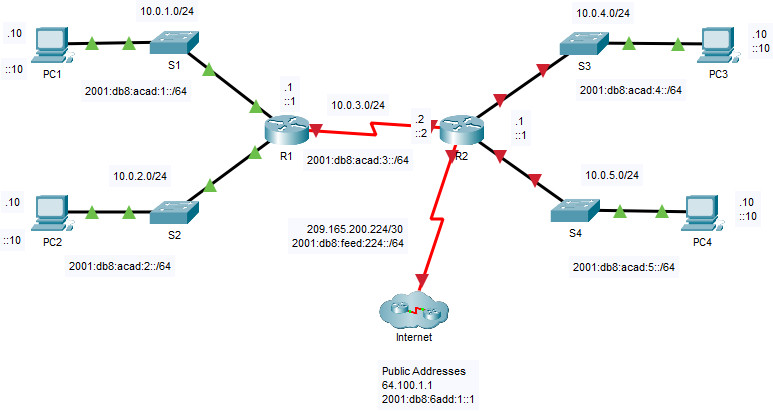
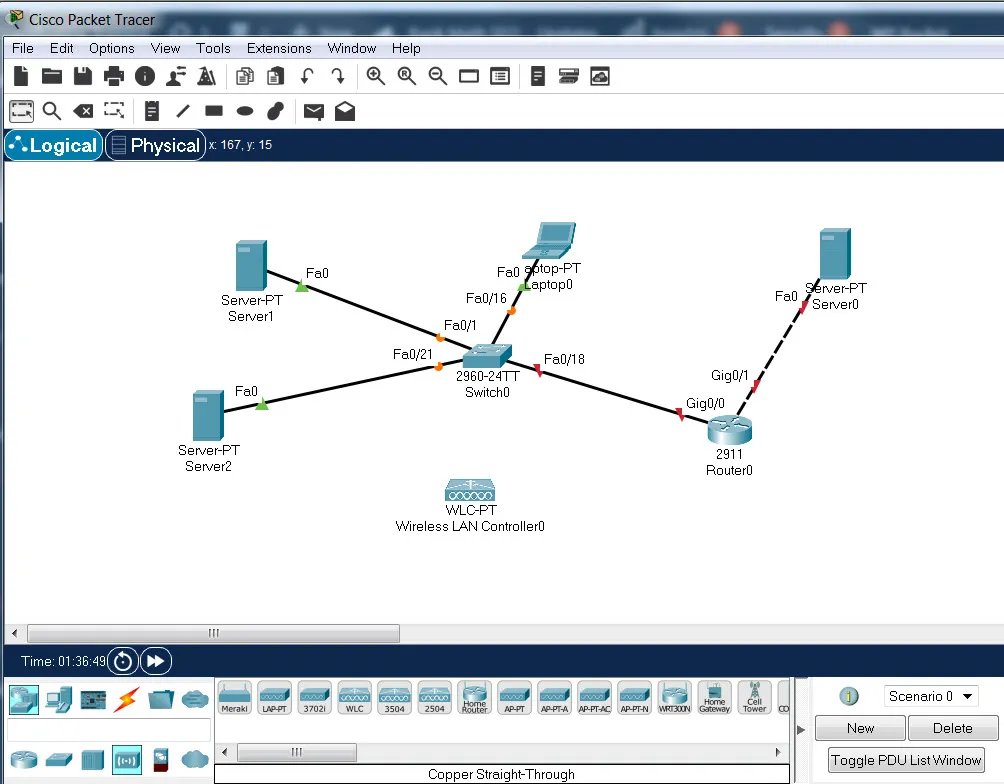
Cisco Packet Tracer is a powerful network simulation and visualization tool developed by Cisco. It is a core educational tool used in Cisco Networking Academy courses. It allows users to build network topologies by dragging and dropping virtual networking devices onto a workspace and connecting them.
Packet Tracer is designed for:
- Students: Learning networking concepts and preparing for certification exams.
- Instructors: Creating and grading labs and assignments.
- Network Professionals: Prototyping and testing network configurations.
Key Features of Cisco Packet Tracer
Network Simulation and Visualization
The core of Packet Tracer is its ability to simulate the behavior of real networking devices.
- Device Models: It includes routers, switches, firewalls, wireless access points, end devices (PCs, servers), and more.
- Topology Building: You can design complex network architectures by dragging and dropping devices and connecting them with cables.
- GUI and CLI Access: You can configure devices using both graphical user interfaces (GUIs) and the command-line interface (CLI), which mimics real Cisco IOS.
Dual Modes: Realtime and Simulation
Packet Tracer offers two distinct modes for learning:
- Realtime Mode: Devices behave as they would in a real network. This is used for configuration and testing.
- Simulation Mode: This is a powerful learning tool. It allows you to step through packet flow, inspect packet contents, and see exactly how data travels through the network.
Physical Workspace and IoT Support
The software also includes a Physical Workspace for visualizing device placement and cabling in a rack-like environment. It also supports Internet of Things (IoT) devices, allowing you to create scenarios with smart sensors and actuators.
Activity Wizard for Assessments
Packet Tracer includes an Activity Wizard, which allows instructors to create graded labs and assessments. This feature is central to the Cisco Networking Academy’s curriculum, enabling automated scoring and feedback.
User Feedback and Considerations
What Users Like
- Excellent Learning Tool: It is widely praised for making networking concepts tangible and easy to understand.
- Safe Environment: You can make mistakes without breaking expensive hardware.
- Powerful Features: The combination of Realtime and Simulation modes is a standout feature.
- Free to Use: It is free for students and instructors.
Limitations
- Not a Replacement for Real Equipment: While powerful, it is a simulator and cannot perfectly replicate the behavior of real hardware or low-level issues.
- Resource Usage: Very large topologies can slow down the simulation.
Who Is Cisco Packet Tracer For?
- Networking Students: It is the primary tool for Cisco CCNA and other certification tracks.
- Instructors: For creating and delivering networking labs.
- IT Professionals: For testing configurations and planning network designs.
- Anyone Learning Networking: It is an excellent tool for beginners to learn the basics of routing and switching.
Frequently Asked Questions (FAQs)
1. Is Cisco Packet Tracer free?
Yes, Cisco Packet Tracer is free for students and instructors who are part of the Cisco Networking Academy.
2. Can I use Packet Tracer to prepare for the CCNA exam?
Yes, Packet Tracer is an essential tool for practicing the skills required for the CCNA exam.
3. Does Packet Tracer support the latest IOS commands?
Packet Tracer supports a large subset of Cisco IOS commands, but it may not include every single command or feature found in the latest hardware.
4. What is the Simulation Mode in Packet Tracer?
Simulation Mode allows you to step through the flow of packets in a network, inspect the contents of the packets, and see how decisions are made at each hop.
5. Can I create my own labs in Packet Tracer?
Yes, the Activity Wizard feature allows you to create your own graded labs and assessments.
Conclusion: An Essential Tool for Networking Education
Cisco Packet Tracer is an invaluable, free tool for anyone learning or teaching networking. Its ability to simulate complex network behaviors in a safe, visual environment makes it an essential companion for students and professionals alike. While it has limitations compared to real hardware, its role in demystifying networking concepts and providing hands-on practice is unparalleled. For anyone starting a journey in networking, Cisco Packet Tracer is a must-have resource.