Read our comprehensive review of PDF Text Stamp, a high-performance server tool for adding text stamps, page numbers, and Bates numbers to PDFs. Discover its powerful features.
Introduction: The Need for Automated PDF Stamping
In many business and legal environments, the need to add text stamps, page numbers, or Bates numbers to PDF documents is essential. Whether it’s for legal discovery, document organization, or simply marking drafts, the process needs to be efficient and reliable. PDF Text Stamp is a high-performance server tool designed to automate this process. This review explores its features, its strengths, and who it’s best suited for.
What is PDF Text Stamp?
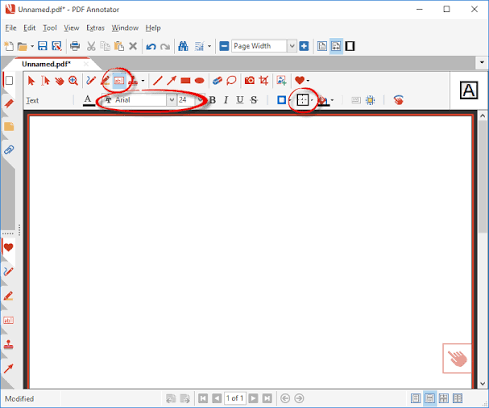
PDF Text Stamp is a Windows software application designed for high-performance, automated text stamping on PDF documents. It is a server-side tool, meaning it is built to be integrated into automated workflows rather than used as a desktop application with a graphical interface. The software can add various types of text, including page numbers, Bates numbers, and custom text, to multi-page, rotated, and variably sized PDFs.
Key Features of PDF Text Stamp
High-Performance Server-Side Processing
The software is designed for speed and efficiency, making it ideal for batch processing large volumes of documents.
- Automated Workflows: It is designed for server usage and can be integrated into automated document processing systems.
- Fast Processing: It can handle large numbers of files quickly.
No Dependence on Adobe Acrobat
A major advantage is that it operates independently of Adobe Acrobat. This means you can stamp PDFs without needing to have Acrobat installed on your server, reducing overhead and licensing costs.
Full Control Over Text Properties
The tool gives you extensive control over how the text looks.
- Font Properties: You can control font, font size, font type, and text color.
- Text Positioning: You can position text from any edge of the page, center it, or right-justify it.
- Text Rotation: You can place text at an angle.
Support for Multiple Numbering Formats
It supports a variety of numbering formats, including:
- Page Numbers: Add standard page numbers.
- Bates Numbers: A crucial feature for legal document management.
- Roman Numerals: Supports Roman numeral formats.
Processes Complex PDFs
The software is designed to handle a wide range of PDF types.
- Multi-Page: Works with multi-page documents.
- Rotated Pages: Can handle pages that are rotated.
- Varied Sizes: Works with PDFs of different page sizes.
Who Is PDF Text Stamp For?
- Legal Professionals: For Bates numbering and document marking in discovery.
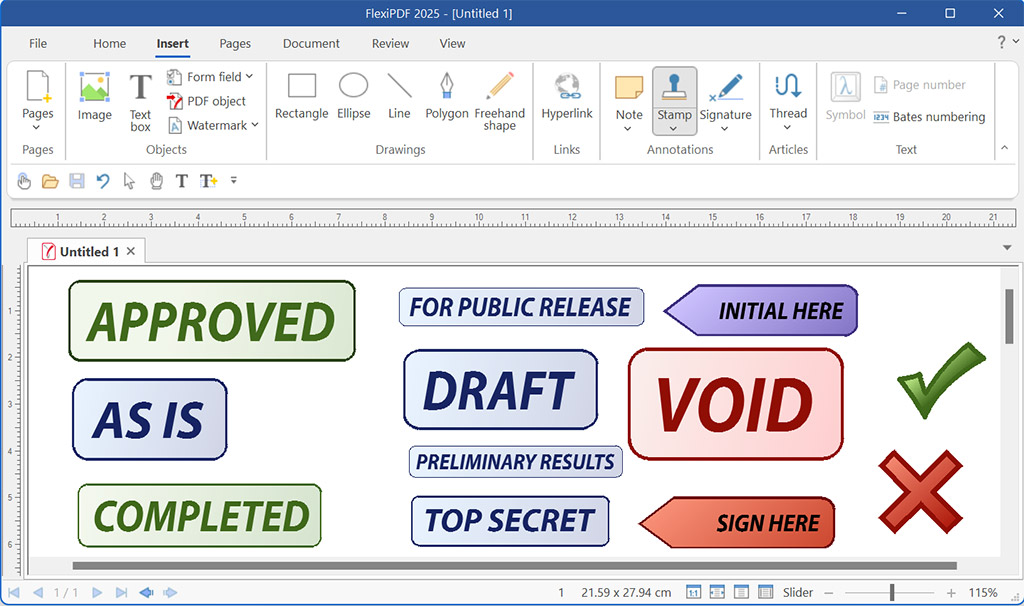
- Businesses: For adding watermarks, confidentiality stamps, or headers and footers.
- IT Departments: For integrating automated PDF processing into workflows.
Frequently Asked Questions (FAQs)
1. Is PDF Text Stamp free to use?
The software is available for free download, but it may be a trial version with limitations.
2. Does PDF Text Stamp require Adobe Acrobat?
No, it operates independently and does not require Adobe Acrobat to be installed.
3. What is Bates numbering?
Bates numbering is a method of sequentially numbering documents for legal discovery, making it easy to identify and reference documents.
4. Can PDF Text Stamp add image watermarks?
No, the software is designed for text stamps only and lacks support for stamping image watermarks.
5. Is PDF Text Stamp easy to use?
The software is designed for server-side use and may not have a graphical user interface. It is best suited for users who are comfortable with command-line or script-based tools.
Conclusion: A Powerful Tool for Automated Document Marking
PDF Text Stamp is a powerful and efficient tool for adding text stamps, page numbers, and Bates numbers to PDF documents. Its high-performance, server-side processing and independence from Adobe Acrobat make it a valuable asset for businesses and legal professionals. While it may not be suitable for casual users due to its lack of a graphical interface, its ability to automate document marking in high-volume environments makes it an indispensable tool.