Ever found yourself wondering exactly what is taking up all the space on your hard drive? The Folder Size Calculator is a free, straightforward Windows utility designed to answer that question with precision. By analyzing your folders and subfolders, this tool provides a clear, actionable breakdown of where your storage is being used, making it invaluable for users looking to reclaim valuable disk space .
What is Folder Size Calculator?
Folder Size Calculator is a lightweight application that scans a target folder and calculates the total size of all subfolders within it. Once the scan is complete, it presents the sizes in a clear, easy-to-understand format. It is an excellent tool for quickly identifying which folders are taking up the most space on your hard drive, a network location, or a connected drive.
Key Features and Benefits
Detailed Subfolder Calculation
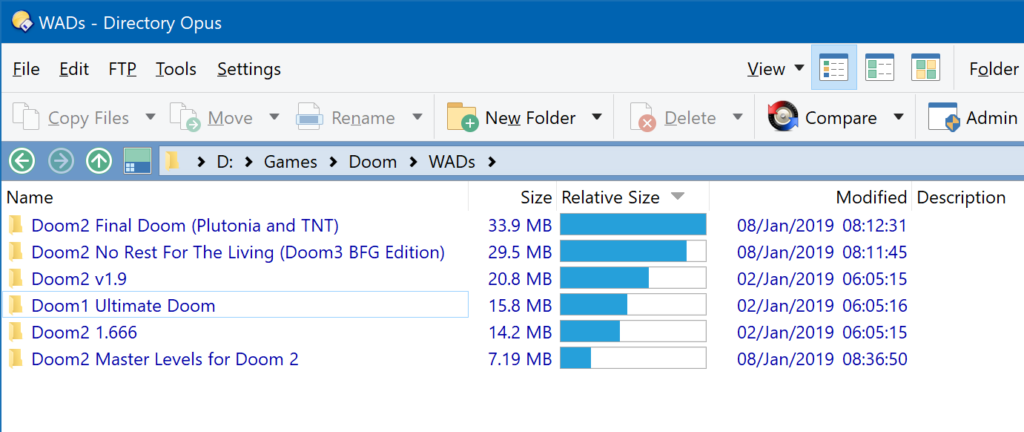
The primary function of the tool is to calculate the size of all subfolders. When you select a folder to analyze, it goes through every folder and file inside it, adding up the total storage used. This provides a complete picture of your disk space usage.
Network Drive Support
The software is not limited to local drives. It can efficiently scan network drives, making it a useful tool for IT administrators or anyone managing shared storage on a network.
Command-Line Options
For advanced users and system administrators, the program offers command-line options. This allows you to schedule scans using the Windows Task Scheduler, automating the process of monitoring disk space usage over time.
Multiple Display Units
The program displays the folder sizes in a range of units, from bytes to gigabytes. This flexibility ensures the information is presented in the most useful format for your needs.
Printable Reports
Using Crystal Reports, the tool can generate printable reports of its findings. This is useful for creating physical documentation of disk space usage, whether for personal records or professional analysis.
Who Should Use Folder Size Calculator?
- General Users: If you’re running out of space on your PC and don’t know why, this tool will quickly show you which folders are the main culprits.
- IT Administrators: The ability to scan network drives and use command-line options makes it a practical tool for server management.
- Data Hoarders: If you have a large collection of media or documents, the calculator helps you identify duplicates and large folders that may be unnecessary.
How to Use Folder Size Calculator
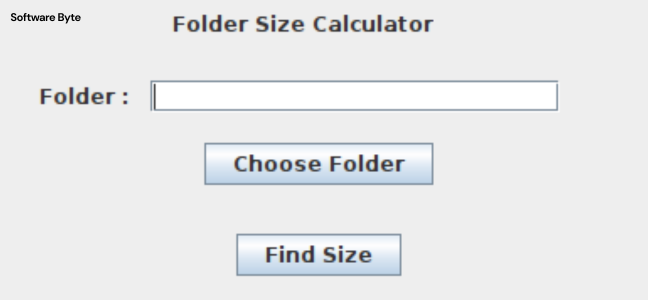
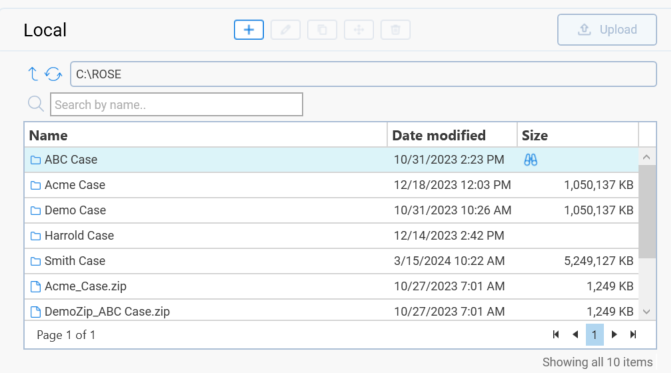
The software is simple to operate. After installation, you launch the program, select a target folder, and start the scan. The tool then calculates the size of all subfolders and presents the results in a clear list. The program’s interface is focused on function over form, prioritizing the delivery of accurate data.
Important Considerations
A Focused Purpose
It is important to note that Folder Size Calculator is a dedicated tool with a specific purpose. It is limited to folder size calculation and does not include other disk management features.
Potential Limitations
- The reliance on Crystal Reports for print formatting may require you to have this software installed to view or print reports.
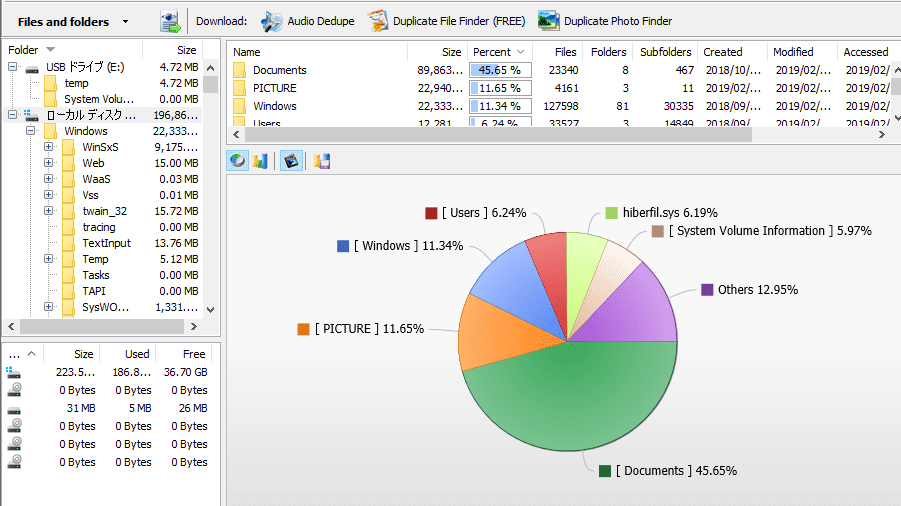
- The tool lacks options for graphical size visualization, such as pie charts or treemaps, which can make it harder to visualize data at a glance.
- It is not designed to identify duplicate files or manage/delete files directly from its interface.
System Requirements
Folder Size Calculator is a legacy application designed to work on a wide range of Windows systems, from Windows ME and NT to Windows 10. This broad compatibility is useful for older computers, but it also means the user interface may feel dated on modern PCs.
Frequently Asked Questions (FAQs)
1. What is Folder Size Calculator?
It’s a free Windows utility that calculates and displays the size of a chosen folder and all its subfolders, helping you identify where your disk space is being used.
2. Can Folder Size Calculator scan network drives?
Yes, the software is capable of scanning network drives efficiently, making it useful for both individual users and system administrators.
3. How do I run a scan with the Folder Size Calculator?
You simply launch the program, select a target folder, and start the scan. The tool then calculates the size of all subfolders and presents the results in a clear list.
4. Can I create a report of my disk usage?
Yes, the tool can generate printable reports of its findings using Crystal Reports, though this may require additional software.
5. Does the program show graphics like a pie chart?
No, the program is a text-based utility that provides numerical data. It does not have options for graphical size visualization.
Conclusion
Folder Size Calculator is a useful, free tool that performs a specific task with efficiency. For users who need a clear, numeric breakdown of their disk space usage without the fuss of a complex graphical interface, it’s a straightforward solution. Its ability to scan network drives and run via command line makes it a versatile asset for managing storage. However, its age and limited features mean it may not be the best choice for users looking for more comprehensive disk analysis tools.