In the digital age, educational institutions are rapidly automating routine administrative tasks. One such critical function is the management of school bells. For decades, schools have relied on manual ringing, which is not only inefficient but also prone to human error, delays, and inconsistencies. This is where software solutions like Jabat Automatic School Bell come into play. This application aims to replace the traditional manual bell system with a reliable, computer-based automation tool. This article provides an in-depth review of Jabat Automatic School Bell, exploring its features, benefits, and suitability for schools of all sizes.
What is Jabat Automatic School Bell?
Jabat Automatic School Bell is a software application for Windows designed to automate the ringing of bells in educational institutions. Its primary purpose is to eliminate the need for a staff member, often a teacher on “picket” duty, to manually ring a physical or digital bell according to a timetable . The software runs on a computer and plays audio cues at pre-scheduled times, ensuring that the school day progresses on a precise and predictable schedule .
Developed with the needs of modern schools in mind, this application is designed to be a lightweight, efficient, and easy-to-use solution. It centralizes the bell schedule, allowing for accurate and consistent time management across the school campus. This is particularly useful for schools with multiple periods, breaks, and special events that interrupt the regular daily structure.
Key Features and Functionalities
Jabat Automatic School Bell is packed with a variety of features designed to make school time management as seamless as possible.
Automated Scheduling and Sound Playback
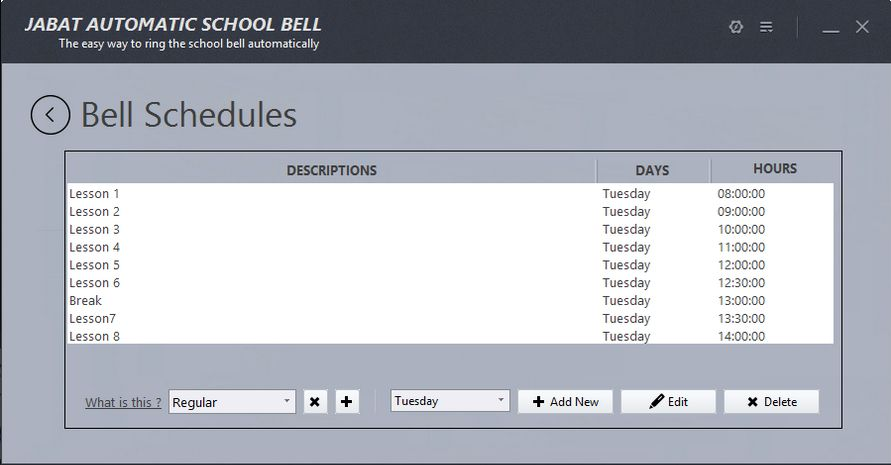
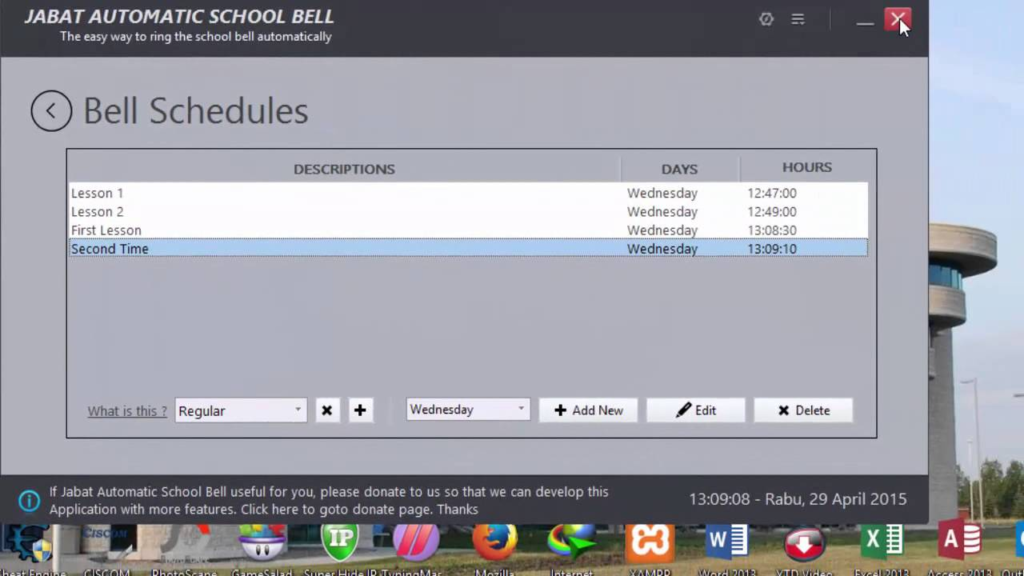
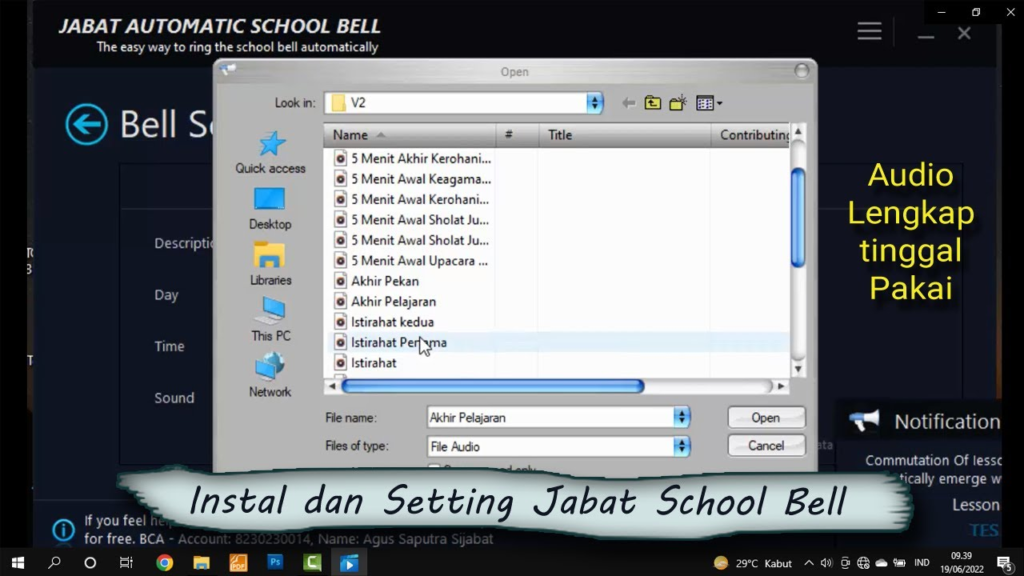
The core functionality of the software is its ability to play audio files at specific, pre-set times . Users can create a schedule that mirrors the school’s daily timetable, including class periods, recess, lunch breaks, and the end of the school day. The software handles the playback of the bell sound automatically, eliminating the need for manual intervention. This ensures no period is missed and the transition between classes happens like clockwork.
Support for Complex and Changing Schedules
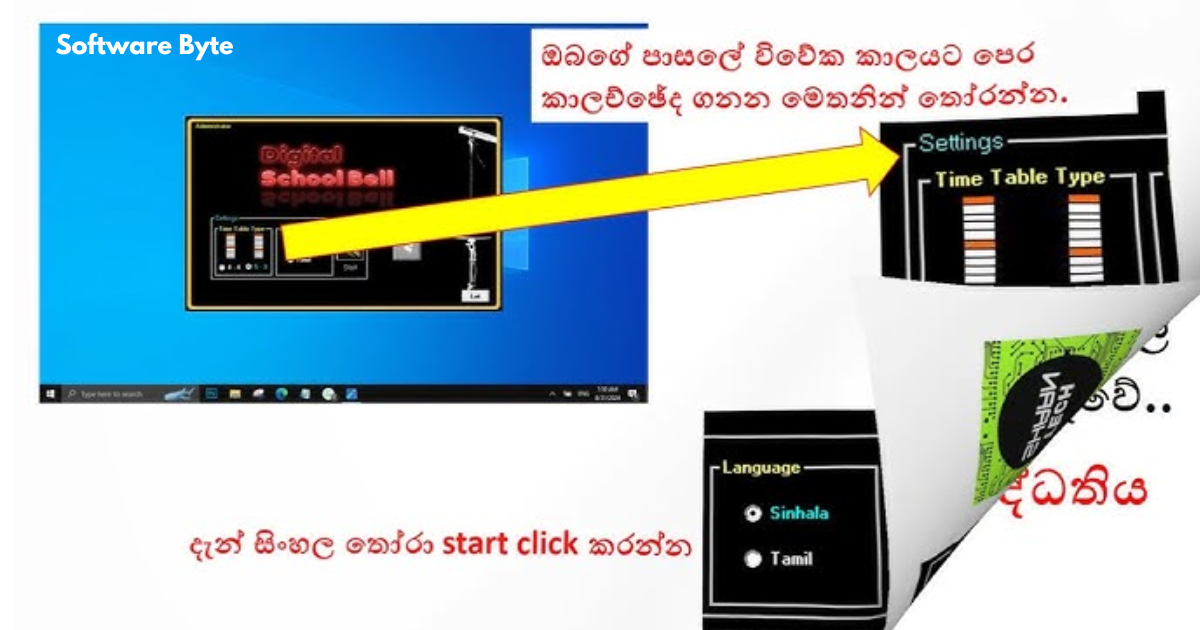
One of the biggest challenges for any school is managing a schedule that isn’t always the same. Jabat Automatic School Bell addresses this by supporting the creation of multiple timetable profiles. This means schools can set up a profile for a normal day, a profile for a half-day, a profile for exam periods, or even a profile for a specific school event . The ability to switch between these profiles with ease ensures the bell system is always accurate and relevant to the day’s activities.
Manual Override and Instant Notifications
Despite the best-laid plans, school days can be unpredictable. A teacher may need to hold a class past the bell, or an assembly might require a delay. The software includes a manual override feature that allows administrators to ring the bell immediately or turn it off at any time. Additionally, the software can be used to send emergency or general notifications, making it a versatile communication tool.
User-Friendly Administration
The software is designed with the end-user in mind, featuring a straightforward setup process that does not require specialized technical skills . It also includes important administrative controls to ensure the system is managed securely. Key administrative features include:
- Admin and User Access Rights: Schools can define who has the authority to edit the schedule, create new profiles, and access the system’s settings, preventing unauthorized changes.
- Database Backup and Restore: To prevent data loss from accidental deletion or computer issues, the software allows users to back up their entire schedule database and restore it if needed.
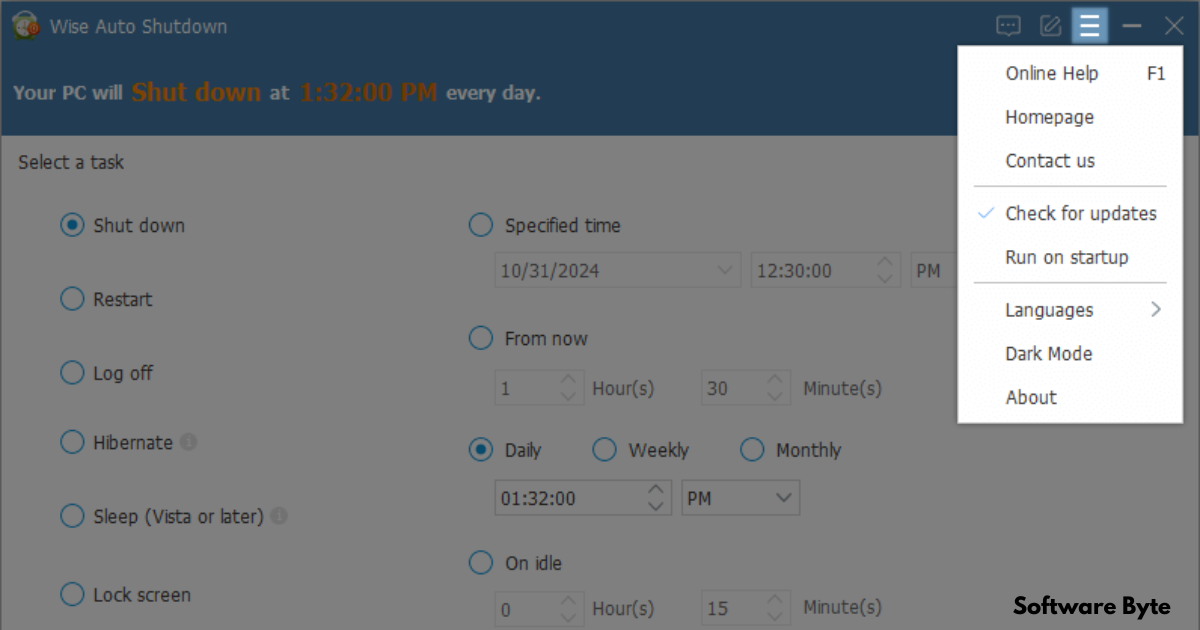
- Automatic Shutdown: As an added convenience, the software can be configured to automatically shut down the computer after the last bell of the day, a feature that contributes to energy savings.
Performance and System Requirements
One of the standout advantages of Jabat Automatic School Bell is its lightweight nature. The software is designed to run quietly in the system tray and consumes minimal CPU and RAM resources. This is crucial for a school environment where the computer might also be used for other administrative tasks. Its low system footprint ensures it doesn’t slow down the machine or interfere with other operations.
The application is compatible with older Windows operating systems like Windows XP and Windows Vista, as well as newer versions like Windows 10 and Windows 8 . This wide range of compatibility makes it accessible to schools that may not have the latest hardware.
The developer also highlights the software’s speed and accuracy. It is designed to detect changes in shifts or periods quickly and reliably, with a fast startup time. This precision ensures that the schedule is always maintained without any “undetected” periods, providing confidence in its operations .
Pros and Cons of Jabat Automatic School Bell
Advantages
- Eliminates Manual Errors: The most significant benefit is the removal of human error from the bell-ringing process, ensuring punctuality.
- Cost-Effective Solution: By using existing computer hardware, schools can avoid the expense of purchasing and installing a dedicated, expensive physical bell system.
- Frees Up Staff Time: The software saves the time and effort of staff members who would otherwise be responsible for manual bell ringing.
- Highly Customizable Scheduling: The ability to create multiple profiles and customize the schedule to the minute offers immense flexibility.
- Low Resource Consumption: The application is very light and does not require high-end hardware, running efficiently in the background.
Potential Drawbacks
- Narrow Scope of Function: The software is highly specialized for one primary task: ringing bells. It does not offer broader school management features like attendance tracking or grade books.
- Requires a Dedicated Computer: For the system to work reliably, a computer must be on and running the software throughout the school day.
- Potential Technical Issues: Like any software, it is susceptible to technical problems like system crashes, power outages, or audio issues that could disrupt the bell schedule.
- Limited Advanced Customization: While it covers core needs well, it may not offer the “deeper automation” or extensive advanced configuration paths that some larger or more tech-savvy institutions might desire.
Conclusion
Jabat Automatic School Bell offers a practical and effective solution for schools seeking to modernize their time management. Its simple, focused approach to automating the bell schedule provides a direct replacement for manual processes, resulting in improved punctuality and reduced staff burden. The software’s strengths lie in its ease of use, flexibility through multiple profiles, and efficient performance on standard Windows computers. While it may not be a comprehensive school management platform, its specialized nature makes it an excellent tool for its intended purpose. For any educational institution looking to eliminate the stress and inefficiency of manual bell ringing, Jabat Automatic School Bell is a reliable and cost-effective choice.
Frequently Asked Questions (FAQs)
1. What is the primary function of Jabat Automatic School Bell?
Its main purpose is to automate the ringing of school bells by playing pre-selected audio at scheduled times based on a defined school timetable. This removes the need for manual ringing by a staff member .
2. Can the software handle different schedules for different days?
Yes, the software supports creating multiple timetable profiles. This allows schools to easily switch between schedules for normal days, half-days, exam periods, or special events .
3. What happens if there is an unexpected change in the schedule?
The application includes a manual override feature. Authorized users can manually ring the bell or silence it at any time to accommodate sudden changes .
4. Is Jabat Automatic School Bell compatible with modern Windows versions?
Yes, the software is compatible with a wide range of Windows operating systems, including older versions like Windows XP and Windows Vista, as well as newer versions like Windows 8 and Windows 10 .
5. Does the software use a lot of system resources?
No, the software is designed to be very lightweight. It runs quietly in the system tray and consumes minimal CPU and RAM, ensuring it does not slow down the computer .