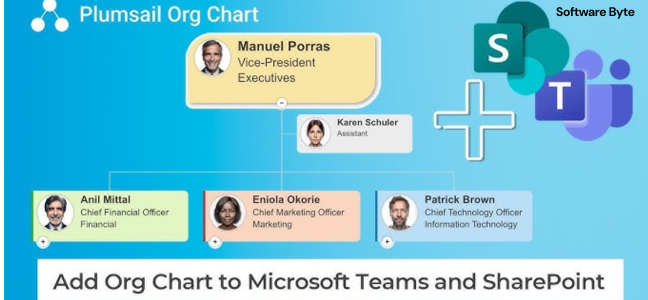
In the modern business world, understanding the chain of command and team structure is essential. SharePoint Org Chart for SharePoint Server Edition 2013 is a specialized tool designed to help organizations create and display dynamic organizational charts directly within their SharePoint environment . This guide provides an overview of this legacy solution and its role in corporate data visualization.
What is the SharePoint Org Chart?
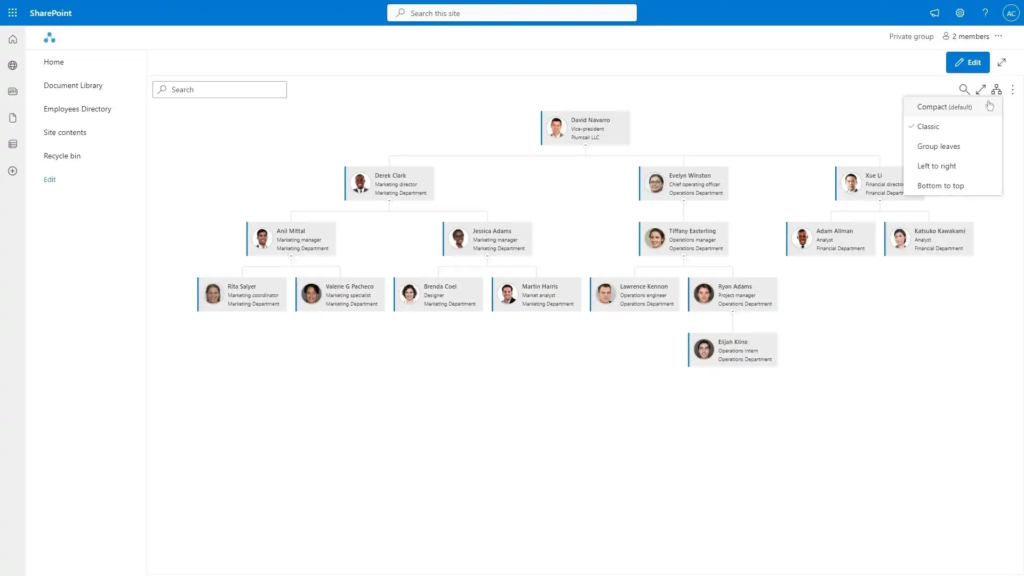
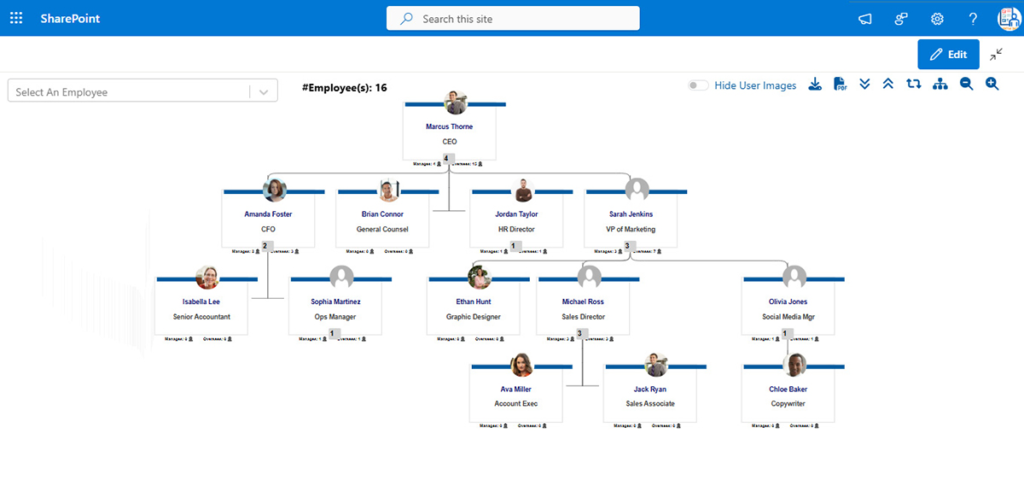
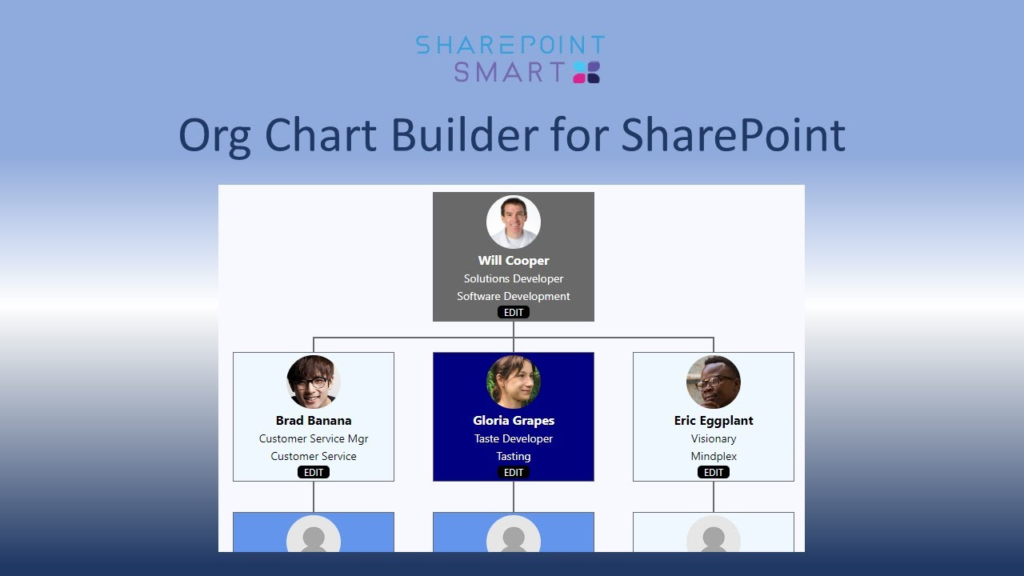
The SharePoint Org Chart is a software component or web part designed to integrate with SharePoint Server 2013. Its primary function is to generate visual representations of a company’s organizational structure, often referred to as an “org chart.” This tool pulls data from existing user profiles or a data source to create a dynamic, interactive chart that displays employee hierarchies and relationships.
Core Functionality and Benefits
Visualizing Corporate Structure
The main advantage of an org chart tool is its ability to transform raw data from a company directory into an easy-to-understand visual map. This helps employees quickly understand who reports to whom, identify team members, and navigate the corporate structure.
Integration with SharePoint 2013
This specific application is built for SharePoint Server 2013. This means it can be seamlessly integrated into an organization’s intranet or team sites, making the org chart accessible to all employees through a familiar platform.
Dynamic Data Display
Ideally, the org chart is not static. It would update automatically when user profile information changes. This ensures the org chart always reflects the current structure without requiring manual updates.
Important Considerations
Legacy Software
The biggest consideration is that this software is a legacy application for a specific, older version of SharePoint. As such, it has significant limitations:
- Compatibility: It is designed exclusively for SharePoint Server 2013, which is no longer the latest version. It may not be compatible with newer SharePoint Online, Microsoft 365, or newer on-premises versions.
- Support and Updates: The application was last updated in 2013, meaning it is no longer receiving updates, bug fixes, or security patches. Using such an old application can pose risks to system stability and security.
Requirements
To use this software, you must have an existing SharePoint Server 2013 environment. It will not work as a standalone application.
Modern Alternatives
For organizations looking for similar functionality today, there are many modern alternatives. This includes native features within Microsoft 365 (like the “People” or “Organization” views in Teams and Delve), specialized modern apps available in the SharePoint App Store, and third-party solutions that support newer SharePoint versions.
Frequently Asked Questions (FAQs)
1. What is the SharePoint Org Chart?
It is a software application or web part for SharePoint Server 2013 that creates dynamic, visual organizational charts from employee data.
2. Do I need SharePoint to use this software?
Yes, this is not a standalone tool. It requires a running SharePoint Server 2013 environment.
3. Does this tool work with SharePoint Online or Microsoft 365?
No, it is specifically designed for the on-premises version of SharePoint Server 2013 and is not compatible with SharePoint Online or the modern Microsoft 365 environment.
4. Will the software update automatically when an employee changes roles?
Ideally, yes. The tool is designed to pull data from a central directory, meaning the chart should reflect updates made to user profiles.
5. Is the SharePoint Org Chart still being updated?
No, the software has not been updated since 2013 and is no longer under active development.
Conclusion
The SharePoint Org Chart for SharePoint Server 2013 is a classic example of a specialized business tool for a specific era of technology. While it was a useful solution for visualizing corporate structure in SharePoint 2013, it is now a legacy application with limited use. For organizations still running SharePoint Server 2013, it may be a functional option. However, for the vast majority of modern businesses using newer versions of SharePoint or Microsoft 365, exploring contemporary and supported alternatives is strongly recommended.