In today’s fast-paced digital workplace, having access to powerful and up-to-date productivity tools is essential for success. Microsoft’s Office 365 ProPlus represents a significant evolution in how businesses access and utilize essential office applications. Unlike traditional one-time purchases, this enterprise-focused solution delivers a continuously updated experience that keeps organizations at the forefront of productivity technology.
What Exactly Is Office 365 ProPlus?
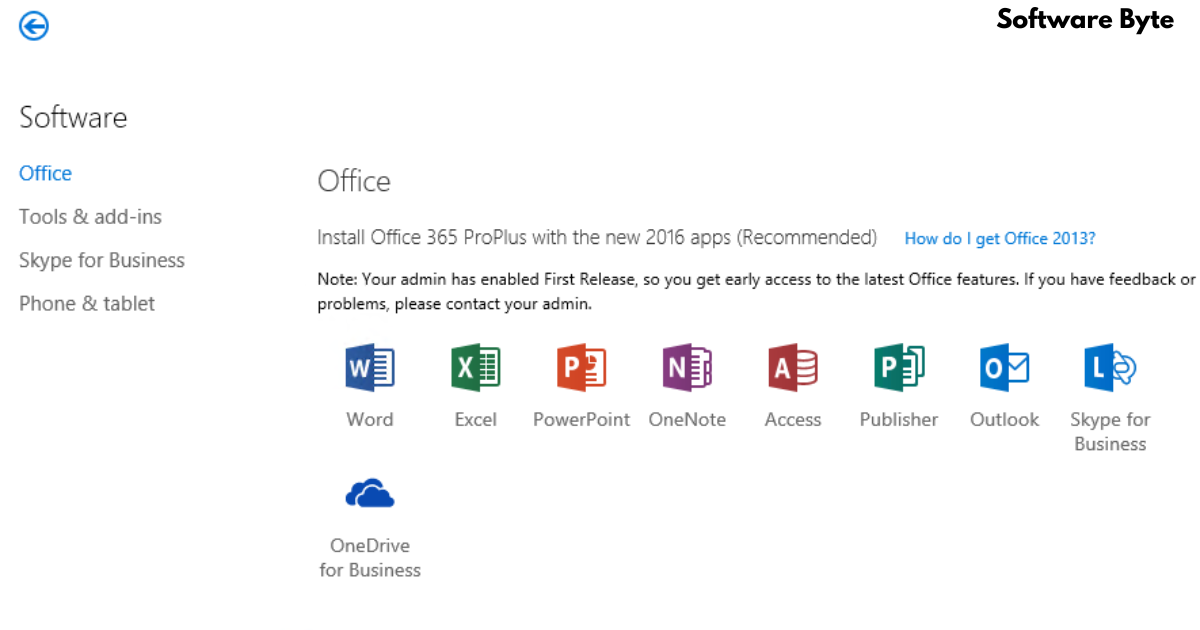
Office 365 ProPlus is Microsoft’s premium subscription-based productivity offering designed specifically for business environments. It provides users with the full suite of familiar Microsoft Office applications including Word, Excel, PowerPoint, Outlook, Access, Publisher, and more. However, what sets it apart from traditional Office versions is its cloud-connected nature and continuous update model.
The service operates on a subscription basis, meaning organizations pay a recurring fee to access the software rather than making a single upfront purchase. This model ensures that users always have access to the latest features, security updates, and performance improvements without needing to purchase new versions every few years.
Key Features and Capabilities
Always Current Applications
One of the most compelling advantages of Office 365 ProPlus is the “always current” promise. Subscribers receive regular feature updates and security patches, ensuring their productivity tools remain modern and secure. This eliminates the costly and time-consuming process of deploying major version upgrades across an organization.
Cloud Integration and Collaboration
While Office 365 ProPlus includes the familiar desktop applications, it’s deeply integrated with Microsoft’s cloud services. Users can save documents directly to OneDrive for Business or SharePoint Online, enabling seamless access across devices and facilitating real-time collaboration with colleagues. This cloud-connected approach transforms how teams work together, allowing simultaneous editing and version control.
Cross-Device Compatibility
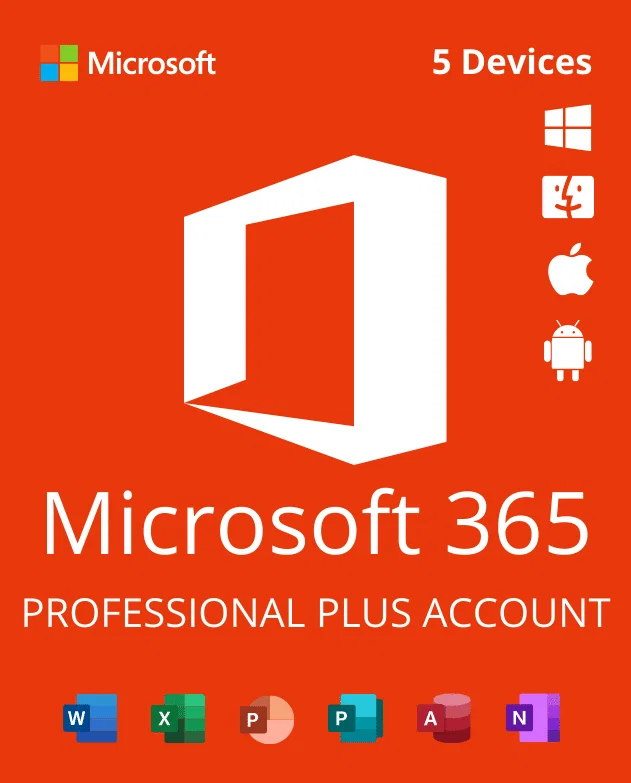
The subscription model provides flexibility across devices. Users can install Office 365 ProPlus on multiple devices including Windows PCs, Macs, tablets, and smartphones. This ensures that employees can remain productive whether they’re at their desk, in a meeting, or working remotely.
Deployment and Management for IT Professionals
Flexible Deployment Options
Office 365 ProPlus offers various deployment methods to suit different organizational needs. The traditional Click-to-Run installation provides a straightforward way to deploy individual copies, while enterprise environments can leverage centralized deployment tools like System Center Configuration Manager for large-scale rollouts.
Simplified Administration
The service integrates with Microsoft’s admin centers, allowing IT teams to manage user licenses, monitor usage, and apply policy controls from a single dashboard. This centralized management reduces administrative overhead while maintaining security and compliance standards.
Telemetry and Analytics
IT administrators gain valuable insights into application performance and user behavior through built-in telemetry features. These analytics help identify potential issues before they impact productivity and enable data-driven decisions about deployment and training.
Benefits for Organizations
Cost-Effective Resource Allocation
The subscription model transforms software costs from capital expenses to predictable operating expenses. Organizations can better forecast their IT budgets and adjust their licensing as workforce needs change, scaling up or down as business demands shift.
Enhanced Security Features
Office 365 ProPlus benefits from Microsoft’s substantial investments in security research and development. Regular updates ensure protection against evolving cyber threats, while enterprise-grade features like data loss prevention and information rights management help safeguard sensitive information.
Improved Productivity
By providing the latest tools and features, organizations can boost employee productivity. New capabilities are integrated seamlessly, enabling staff to work more efficiently without lengthy retraining cycles for major version changes.
Important Considerations for Decision-Makers
Internet Connection Requirements
While Office 365 ProPlus applications function offline, they require periodic internet connectivity for validation and updates. Organizations with unreliable internet access should evaluate their infrastructure capabilities before adoption.
Change Management
Transitioning to a subscription-based model represents a cultural shift for many organizations. Planning for change management is crucial to ensure smooth adoption and maximize return on investment.
User Training and Support
Despite the familiar interface, ongoing updates mean organizations should maintain robust training programs. Ensuring users understand new features and best practices helps maximize the value of the subscription.
Frequently Asked Questions
1. What’s the difference between Office 365 ProPlus and traditional Office versions?
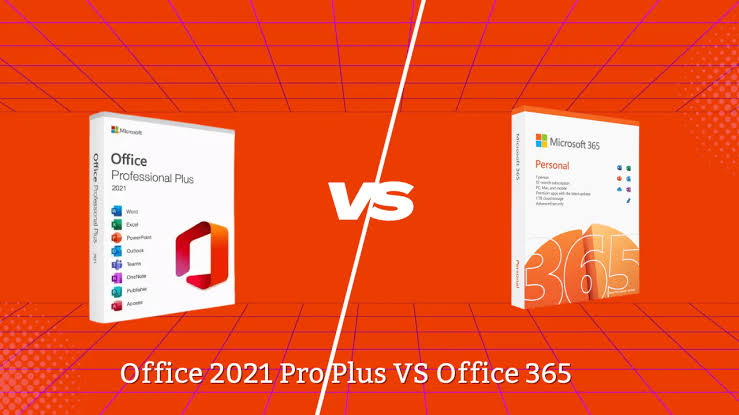
Office 365 ProPlus uses a subscription model with continuous updates, while traditional Office requires a one-time purchase with limited updates. ProPlus also includes additional cloud services and collaboration features not found in perpetual license versions.
2. Can Office 365 ProPlus be used offline?
Yes, the core applications work offline once installed. However, periodic internet connection (at least every 30 days) is required for license validation and to receive security updates.
3. How does subscription licensing work?
Licensing is based on user accounts rather than devices. Each user typically requires a license, which allows them to install Office on up to five PCs or Macs, plus additional mobile devices, depending on the specific plan.
4. What support options are available for Office 365 ProPlus?
Microsoft provides comprehensive support including online resources, community forums, and premium support plans for enterprise customers. Many organizations also rely on internal IT teams or partner providers for day-to-day assistance.
5. Can organizations easily scale their subscription up or down?
Yes, Microsoft offers flexible licensing models that allow organizations to adjust their number of user licenses monthly, accommodating seasonal staffing changes or organizational restructuring.
Conclusion
Office 365 ProPlus represents a significant advancement in enterprise productivity software, combining the familiar power of Microsoft Office with modern cloud capabilities and continuous innovation. For organizations committed to maintaining a competitive edge while controlling technology costs, this subscription-based solution offers a compelling value proposition. The shift to a service-oriented model requires thoughtful planning, but the benefits of always-current tools, enhanced collaboration, and simplified management make it an attractive choice for forward-thinking businesses. As the workplace continues to evolve, Office 365 ProPlus provides the foundation for productive, secure, and adaptable business operations in an increasingly digital world.